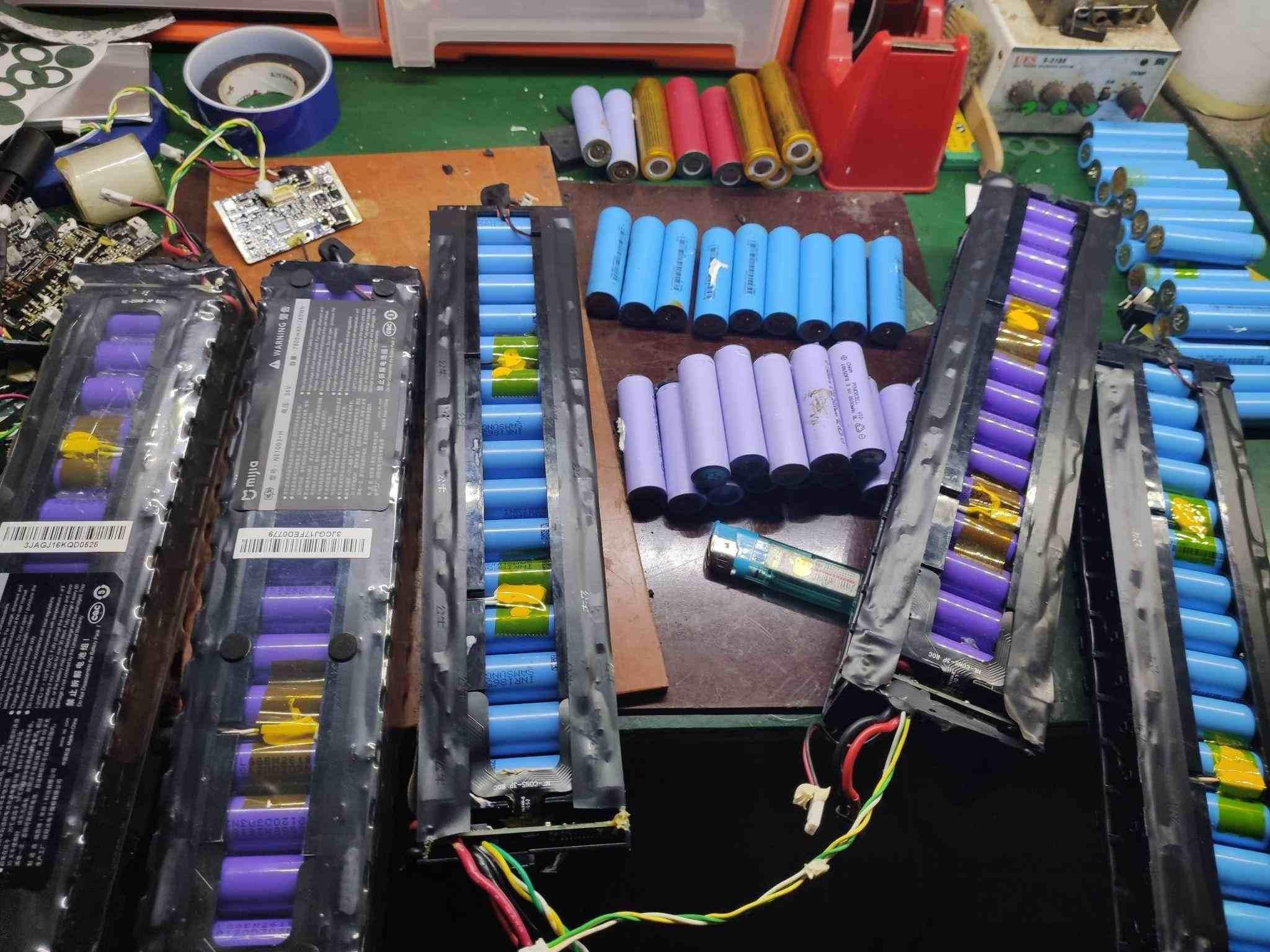
Batteries keep our daily essentials running—smartphones, laptops, electric cars, and renewable energy systems. Yet when performance drops, a bad battery cell is often to blame. Knowing how to recognize, diagnose, and deal with failing cells can help you save money, extend your device’s life, and stay safe.
This guide walks you through the warning signs of a bad cell, what causes failure, how to test batteries yourself, and the right way to recycle or replace lithium-ion batteries.
A weak or dead cell can compromise the whole battery. Watch for these symptoms:
- Reduced runtime – The battery doesn’t last as long on a single charge.
- Fast drain – Power drops quickly, even with minimal use.
- Overheating – The battery gets unusually warm during charging or use.
- Swelling – A bulging or deformed battery casing signals internal damage.
- Inconsistent behavior – Sudden shutdowns or erratic battery percentage readings.
- Charging issues – Slow charging, failure to reach 100%, or irregular charge cycles.
- Voltage drops – The device turns off abruptly due to unstable voltage.
- High self-discharge – Battery loses charge quickly when stored.
- Shorter lifespan – Overall battery life declines noticeably.
- Unreliable performance – Random reboots, freezes, or poor device function.
In lithium-ion batteries, cell failure can happen due to:
- Overcharging – Regularly charging beyond capacity.
- Deep discharging – Draining the battery too low, too often.
- Physical damage – Drops, punctures, or impacts.
- High temperatures – Heat speeds up chemical degradation.
- Aging – Natural wear over charge cycles.
- Manufacturing flaws – Defects from production.
- Poor storage – Leaving batteries in extreme hot/cold conditions.
- Internal short circuits – Often from separator failure or impurities.
- Chemical instability – Unwanted reactions inside the cell.
- Random failure – Occasional failures with no clear cause.
If you suspect failure, try these steps:
Step 1 — Visual Check
Look for swelling, cracks, leaks, or corrosion on terminals.
Step 2 — Measure Voltage
Use a digital multimeter to check overall battery voltage. For a nominal 12V battery:
| State of Charge | Voltage |
| 100% | 12.7 – 13.2V |
| 75% | 12.4V |
| 50% | 12.1V |
| 25% | 11.7V |
| Discharged | 0 – 11.6V |
Quick clues:
- 0 volts → likely a short circuit.
- Stays below 10.5V while charging → dead cell.
- Shows “full” on charger but reads ≤12.4V → probable sulfation.
Step 3 — Check Each Cell
With the battery disconnected, measure individual cells. Healthy ones read around 2.1–2.2V. Much lower means a dead cell.
Step 4 — Load Test
Use a load tester to simulate real use. A large voltage drop points to weak or dead cells.
Step 5 — Professional Help
If in doubt, take the battery to a certified facility for accurate diagnosis.
Never toss lithium batteries in regular trash. Responsible options include:
- Recycle – Use a certified battery recycler.
- Manufacturer programs – Many brands accept old batteries.
- Call2Recycle – Available in many regions for easy drop-off.
- Local collection – Check municipal hazardous waste services.
- Repurpose – Working cells can be used in low-power DIY projects.
- Store safely – Keep in a cool, dry place if not disposing immediately.
Consider before deciding:
- Cost – Replacement is often cheaper than repair.
- Warranty – See if you’re covered.
- Damage level – Connector issues may be fixed; cell failure usually needs replacement.
- Safety – Never reuse swollen or leaking batteries.
- Performance – Repairs may not restore original capacity.
- Expert opinion – Consult a technician if unsure.
In most cases, replacement is safer and more reliable.
- Avoid full discharges; recharge regularly.
- Store in a cool, dry place at ~50% charge if unused.
- Limit overcharging and frequent fast charging.
- Use only approved chargers.
- Keep batteries away from extreme temperatures.
- Clean terminals periodically.
- Watch for swelling—replace immediately if seen.
- Replace batteries that no longer hold a decent charge.
A failing battery cell isn’t just a nuisance—it risks your device’s performance, lifespan, and safety. By spotting early signs, testing wisely, and maintaining cells properly, you can prevent unexpected failures. And when a battery truly dies, recycling or replacing it responsibly protects both you and the environment.
Look after your batteries today, and they’ll reliably power your tomorrow.
Inquire more product details from the: Lithium Ion Battery Suppliers
WhatsApp/Wechat/Mobile: +86 13326321310
Email: info@battery-energy-storage-system.com
Website: www.battery-energy-storage-system.com
Next:CATL Debuts First Mass-Produced Sodium-Ion Battery for Light Commercial Vehicles
Previous:Maxell Unveils Rechargeable Solid-State Module Compatible with ER Cell Size